


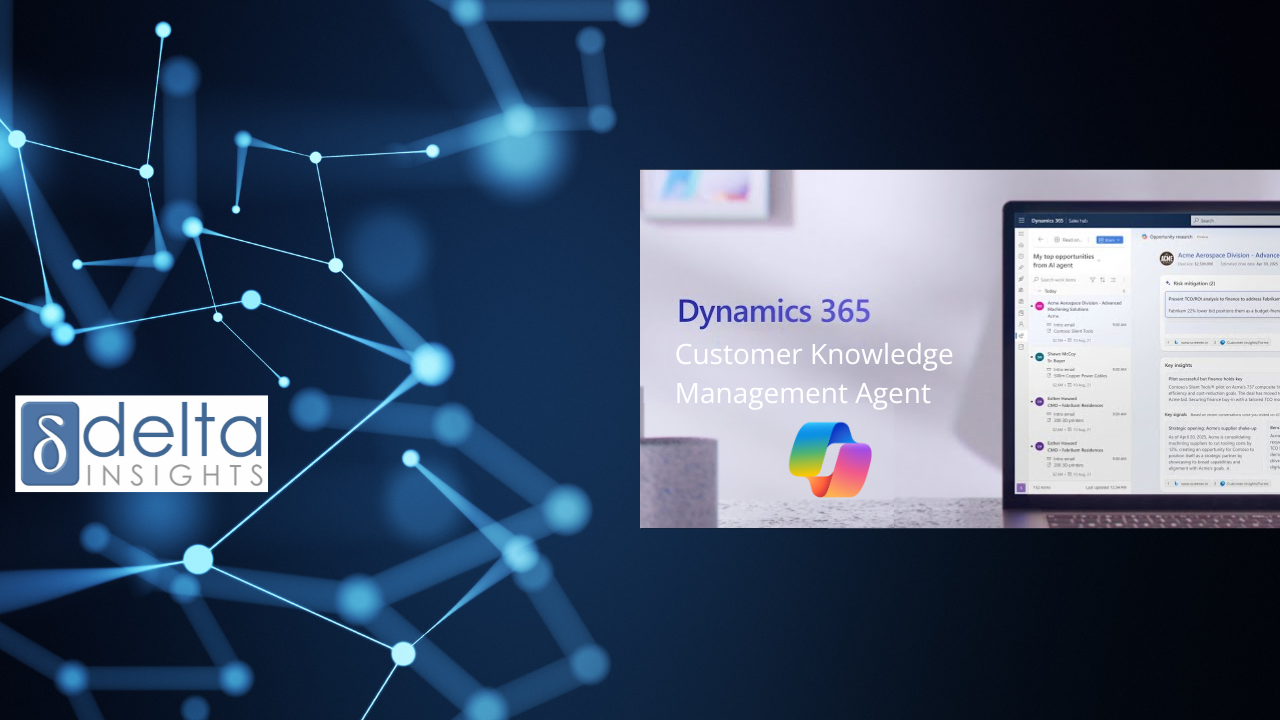
Agent Debrief: Customer Knowledge Management Agent
How Microsoft’s Customer Knowledge Management Agent helps Dynamics 365 Customer Service teams turn resolved cases into reviewed, reusable knowledge articles.
Issue #10 | 17 June 2026 | 5 min read
Agent Debrief: Customer Knowledge Management Agent
Most contact centres are already creating useful knowledge every day. The challenge is capturing it, reviewing it, and making it available to the rest of the team.
Turning resolved cases into reusable knowledge
Most contact centres have a knowledge base problem. Not because they do not have enough content. Often, it is the opposite.
There are old articles for issues that no longer exist. Workarounds shared by one experienced agent but never added to the system. Resolutions that worked last quarter, until a policy change made them outdated. And somewhere in a closed case, the right answer is sitting there, unused.
That is the irony. Every resolved case contains knowledge, but most of that knowledge disappears into the case history once the issue is closed.
Microsoft’s Customer Knowledge Management Agent is designed to help close that gap. It works inside Dynamics 365 Customer Service and helps turn real case activity into useful knowledge articles.
When a case is resolved, the agent can analyse the case details, conversations, emails, and notes. It checks whether a knowledge article is needed. If one is, it drafts it. If a related article already exists, it can suggest an update instead.
This is not a replacement for knowledge managers, supervisors, or content teams. It is a way to turn the daily work of your contact centre into knowledge the whole team can use.
At a Glance
Customer Knowledge Management Agent can support three key knowledge workflows:
- Real time knowledge creation: drafts articles as cases and conversations are resolved
- Historical knowledge creation: reviews past cases and conversations to find useful knowledge that was never captured
- Knowledge review and improvement: gives supervisors visibility into drafts, publishing status, quality feedback, and Copilot usage
The important part is control. You decide which cases are included, what information is used, who reviews the draft, and whether articles stay internal or can be published externally.
Why It Matters
Most service teams are already creating knowledge every day. A customer asks a question, an agent finds the answer, a case is resolved, the notes are saved, and then the knowledge disappears into the case history.
That creates a few problems. Newer agents cannot find the answer. Experienced agents get asked the same questions again and again. Supervisors become the default source of truth. Copilot has less reliable knowledge to work from. Customers get inconsistent answers depending on who handles the case.
None of this usually happens in one big failure. It happens slowly, as the knowledge base gets more outdated and the case history gets harder to search.
Customer Knowledge Management Agent helps by turning resolved case activity into structured draft knowledge. It gives teams a way to capture what they are already learning, without asking every agent to become an article writer.
Where It Works Best
The agent is a better fit where teams handle repeated questions, recurring case types, or guidance that changes over time.
That usually means environments like:
- healthcare contact centres
- government citizen services
- aged care service teams
- financial services support teams
- not for profit case management
- high volume customer service teams
- internal service desks with repeatable request types
In these environments, experienced people often know the answer, but the knowledge is not always documented. It might live in case notes, emails, conversation summaries, side chats, or someone’s memory.
The agent helps because it works from what teams already produce as part of case handling. It turns normal case work into reusable knowledge that can support agents, supervisors, and Copilot.
Where Organisations Get Burned
The risk is not usually the agent itself. The risk is treating knowledge creation as a technical setting, rather than an operating model.
If case notes are thin, the draft articles will be thin. If the existing knowledge base is outdated or duplicated, historical creation may add more content without improving quality. If review rules are unclear, articles may sit unpublished or be approved without enough checking.
Sensitive information also needs care. If the team has not agreed what can be internal, what needs review, and what could safely support self service, external publishing becomes risky.
That is why setup matters. Customer Knowledge Management Agent needs good knowledge governance, not just configuration.
Before turning it on broadly, teams should be clear on:
- which case types should generate knowledge
- what case fields and conversation data should be used
- who reviews draft articles
- what needs compliance review
- what can be internal only
- what could safely support self service
- how article quality will be measured over time
The goal is not more articles. The goal is better knowledge.
A Practical Pilot
A sensible pilot should start narrow. Choose one service area and one or two recurring case types where the resolution process is reasonably consistent.
Good candidates might include:
- access requests
- appointment changes
- standard eligibility questions
- product returns
- billing queries
- document requests
For the first four to six weeks, keep the agent controlled. Let it draft articles, but require supervisor or knowledge manager review before anything is published.
Useful pilot measures include:
- number of draft articles created
- number of drafts accepted, edited, or rejected
- whether sensitive information is being handled properly
- whether the article format is useful
- whether the agent is using the right case data
- whether Copilot starts using the new articles
- whether service representatives rate the articles as useful
If drafts are being heavily rewritten or rejected, fix the source data, case notes, article template, or rules first. If drafts are useful and reviewers trust the process, you can expand from there.
Delta Insights Take
Customer Knowledge Management Agent could be genuinely useful for service teams using Dynamics 365 Customer Service. But it is not a shortcut around knowledge management.
It works best when you understand your case types, your knowledge gaps, your review process, and your risk settings.
The work that matters comes before automation:
- clean case structure
- useful case notes
- current knowledge articles
- clear review ownership
- sensible compliance settings
- practical publishing rules
- a focused pilot
- real feedback from service representatives
At Delta Insights, we see this as a practical contact centre improvement opportunity. Not because it creates more content, but because it helps service teams reuse the knowledge they are already creating.
That matters for newer staff, supervisors, Copilot, and customers who need consistent, accurate answers.
Your contact centre is already creating knowledge every day. The question is whether that knowledge is being captured, reviewed, and reused.
That is where this agent becomes useful. Not as a shiny AI feature, but as a way to turn resolved cases into shared knowledge your team can actually use.